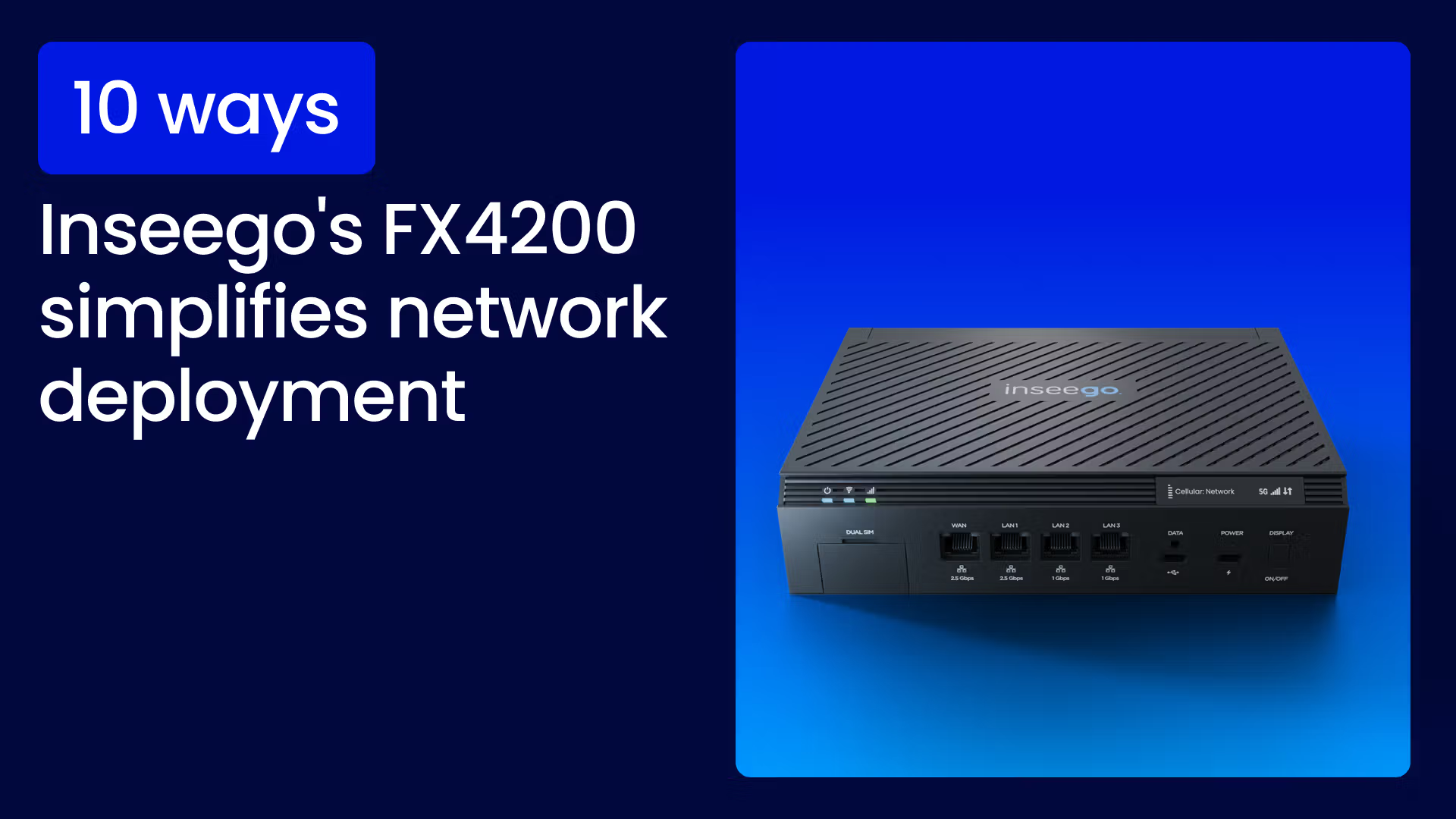
Deploying 5G Fixed Wireless Access (FWA) should be fast, simple, and scalable. The Inseego FX4200 5G Cellular Routeris engineered not just for high performance but for easy deployment.
By combining the router's intuitive hardware features with the robust cloud management tools of Inseego Connect, organizations can achieve rapid network activation, optimal performance placement, and simple, scalable ongoing management.
FX4200 hardware features for rapid deployment
The FX4200 includes key features that drastically simplify the initial site survey and installation process, ensuring maximum performance right from the start.
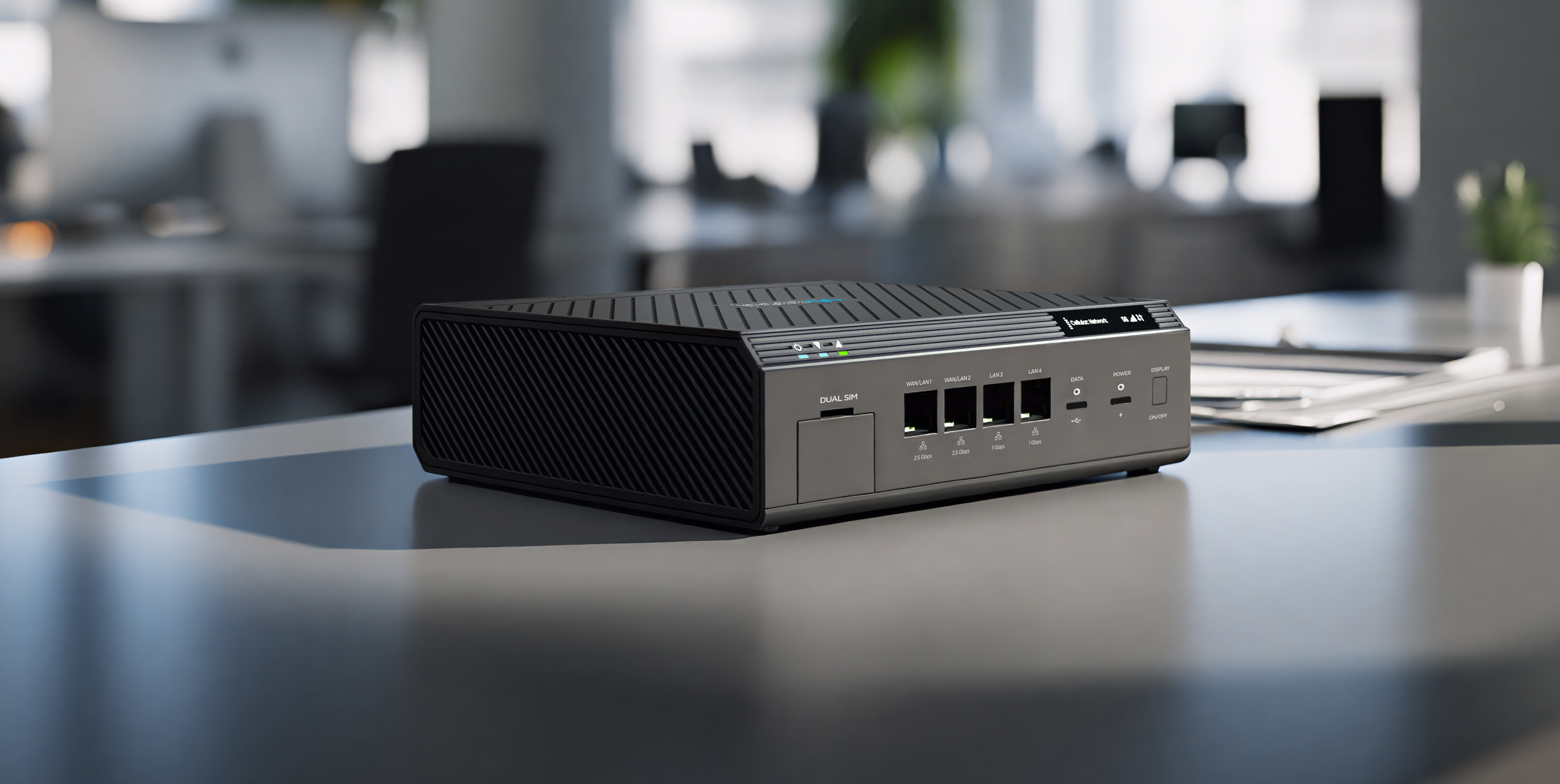
Inseego 5G Cellular Router FX4200
1. Immediate site survey with built-in visual display
The problem: Non-technical installers must rely on external devices and specialized software to check signal strength and placement during installation, complicating the process.
The solution: The FX4200 features an integrated visual display that provides immediate, crucial diagnostic feedback. The display offers real-time, on-device diagnostics, showing critical metrics like Signal Strength Indicator (SSI), connection status (5G/4G/WAN failover), and basic Wi-Fi and device status. This allows installers to visually confirm they are connecting to the best available 5G signal without needing a connected device like a phone or laptop.
Unlock lightning-fast 5G internet almost anywhere
2. Failover power and optimal placement testing with backup battery
The problem: Finding the optimal placement requires prematurely mounting the device, making it difficult and slow to test multiple locations for the best signal.
The solution: The FX4200 includes a temporary power source. This internal, rechargeable 5050 mAh Li-ion backup battery serves a dual purpose. For deployment, it enables a true site survey mode, allowing the installer to walk to different locations and test the 5G signal strength using the visual display before running power or permanently mounting the unit. This capability dramatically reduces installation time and the risk of poor placement. In operation, it provides failover power to maintain network connectivity during short power outages. The FX4200 also supports Dual SIM and Dual WAN (cellular and Ethernet) for multi-layered failover protection.
3. Plug-and-play hardware design
The problem: Initial activation is often complex, requiring technicians to manually configure network settings and connections before the device is even functional.
The solution: The FX4200 delivers true "instant-on" connectivity. For immediate activation, all the user needs to do is insert a pre-provisioned SIM card and plug in the power cord. The device automatically connects to the 5G cellular network and begins broadcasting Wi-Fi, completely eliminating the complex initial setup. This design, which includes internal antennas, easily accessible Dual SIM slots, and flexible, high-speed ports (two 2.5 GbE ports and two 1 GbE ports configurable as LAN/WAN), ensures a seamless, non-technical, connected experience right out of the box.
Inseego Connect: Cloud management for scalable FX4200 deployment
The FX4200 also leverages the Inseego Connect platform to ensure simple deployment, ongoing management, and compliance across an entire network.
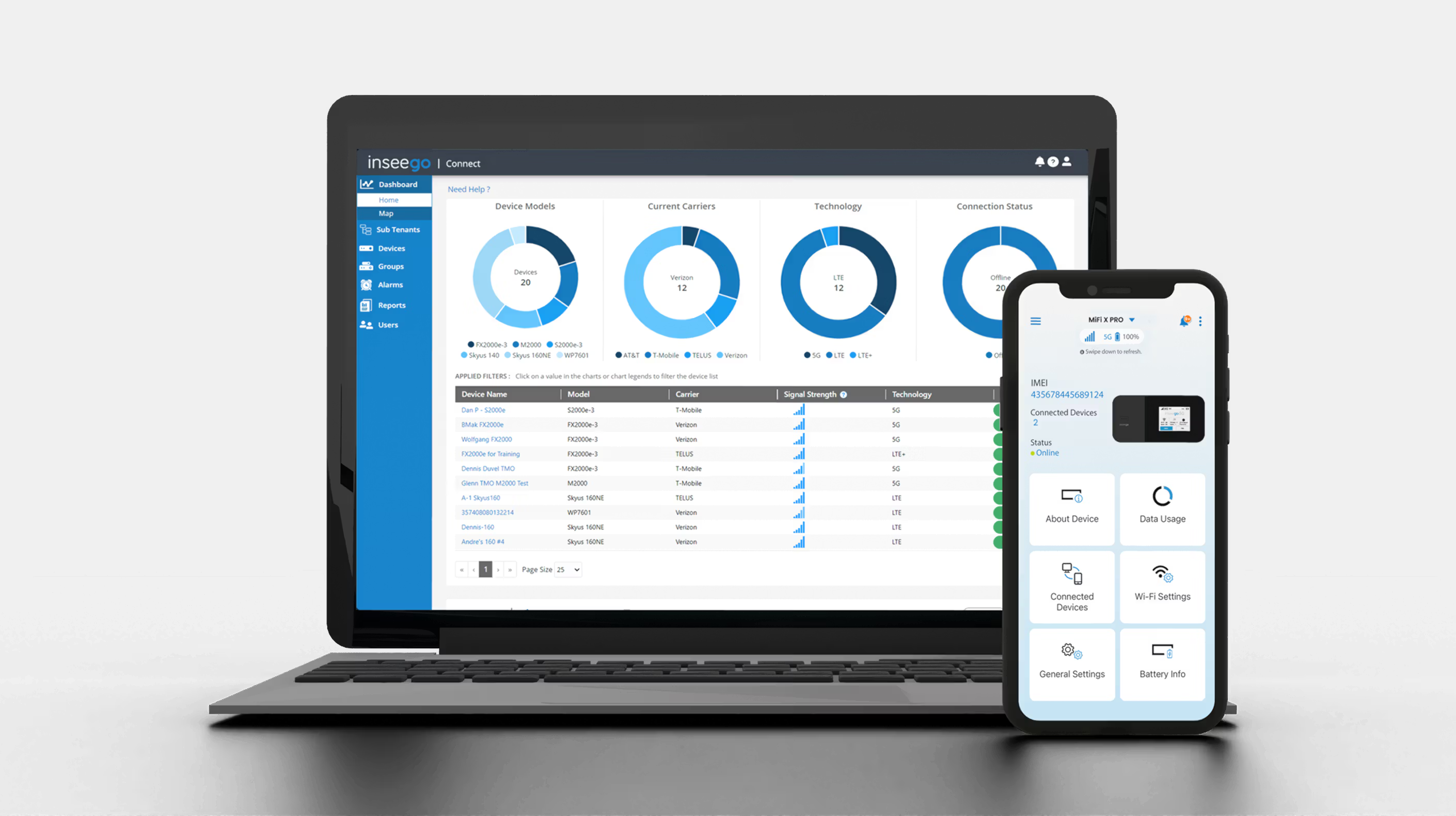
Inseego Connect & Inseego Mobile App
4. Zero-touch provisioning (ZTP) for network scaling
The problem: Manually configuring hundreds of devices for large deployments leads to configuration drift, human error, security vulnerabilities, and prohibitively slow rollout times.
The solution: ZTP is critical for large-scale rollouts and is part of the FX4200 solution. Once a device's ID is registered on the Inseego Connect platform and assigned a customized configuration template, the device will automatically connect to the cloud, download the necessary firmware, security policies (e.g., VPN settings, firewall rules), and settings upon its first power-on. This makes the deployment a literal drop-ship and plug-in process for non-IT personnel, ensuring consistency and saving on the cost and time of dispatching technicians (truck rolls).
5. Guided setup via the Inseego mobile app
The problem: Successfully finding the best 5G signal is difficult for customers performing a self-install, leading to poor initial performance and increased support calls.
The solution: The Inseego mobile app is the on-the-go extension of the Inseego Connect cloud platform, simplifying installation for every deployment. It provides a guided, step-by-step setup for the FX4200 and can be used to manage reports, alarms, and speed tests available through Inseego Connect on the go. Crucially, the app translates real-time signal data into visual cues, helping users instantly identify the optimal placement for maximum performance directly from their smartphone, which is essential for successful self-installation.
6. Firmware over-the-air (FOTA) maintenance
The problem: Applying security patches and feature updates across a dispersed network requires expensive and time-consuming physical technician visits ("truck rolls").
The solution: Inseego Connect allows administrators to schedule and push firmware updates to thousands of geographically dispersed FX4200 devices simultaneously from a single pane of glass. This central control is vital for maintaining security compliance (applying critical patches quickly) and ensuring all devices have the latest features, all without any on-site interaction.
7. Integrated speed test for remote SLA verification
The problem: Verifying service quality and meeting the Service Level Agreement (SLA) often requires physical dispatch to run speed tests at the customer site.
The solution: Administrators can initiate and view historical performance data, including speed (download/upload), latency, and jitter, directly from the Inseego Connect dashboard. This capability allows IT teams to remotely verify performance metrics to ensure the connection quality meets the contracted Service Level Agreement (SLA) or to quickly troubleshoot perceived slowdowns without dispatching a technician.
8. Proactive alarms for issue prevention
The problem: Network issues (like connection drops) are only noticed after failure or when users complain, leading to reactive troubleshooting and extended downtime.
The solution: Custom alerts can be configured for a wide range of events, offering proactive network health monitoring through Inseego Connect. Beyond connection loss or high temperature, alerts can be set for events like data usage thresholds (to prevent overage charges), WAN failover/failback notifications, and unauthorized access attempts. By receiving immediate, targeted notifications, IT can address potential issues before they lead to critical network downtime.
9. Comprehensive reports for optimization
The problem: Optimizing the network for cost control and capacity planning is difficult without granular data on usage and signal history across all deployed devices.
The solution: The Inseego Connect platform aggregates data across the entire deployment, generating detailed reports on cellular signal quality history, device inventory, data consumption per device/location, and alarm frequency. These reports provide the business intelligence necessary for long-term network management, helping administrators to forecast capacity needs, optimize data plans (cost control), and identify devices or locations that may require attention.
Inseego’s strategic advantage
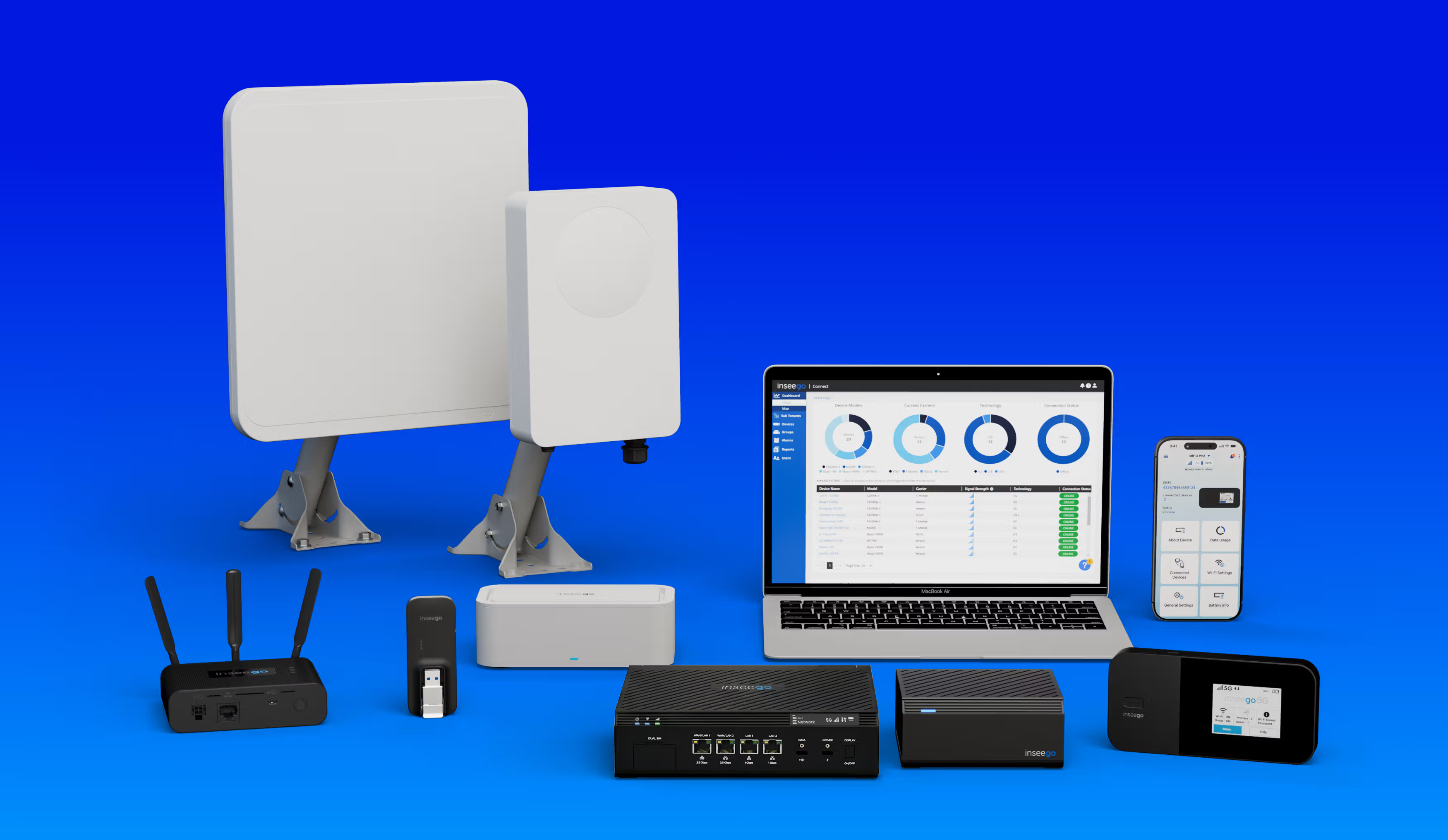
Inseego's FWA and MiFi Portfolio
Full Inseego FWA, MiFi, and software portfolio
10. Device selection for the right use case
By offering various 5G and 4G devices (like the FX4200 for indoor business, rugged industrial gateways, and high-gain Outdoor Customer Premise Equipment (CPEs)) and cloud-device management (like Inseego Connect and Inseego Mobile App), we ensure businesses aren't forced into a one-size-fits-all solution. This flexibility simplifies the overall decision-making process for different environments, from temporary pop-up shops to permanent fixed offices or industrial sites.
Talk to our experts!
Set your customers or business up with the fastest, most secure, easiest, most reliable fixed wireless solutions.